
Hyundai Palisade (LX2): Crash Pad / Glove Box
Components and components location
| Component Location |
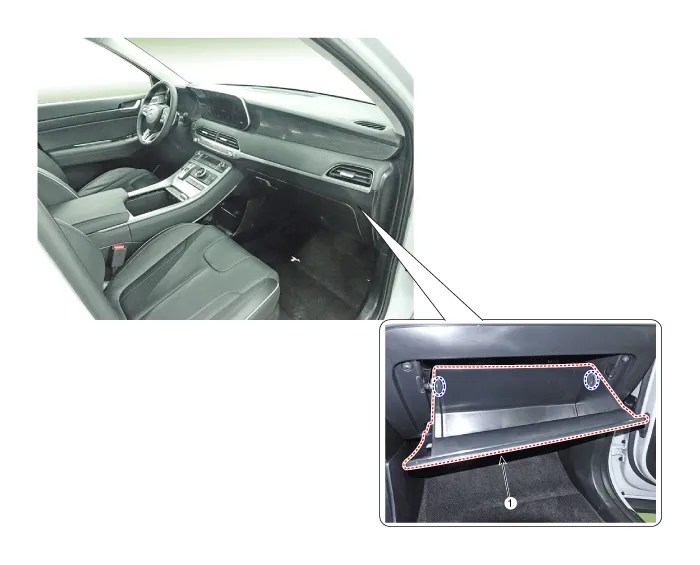
| 1. Glove box |
Components and components location Component Location [LH] 1. Crash pad side cover [LH] [RH] 1.
Components and components location Component Location 1. Crash pad center panel Repair procedures Replacement • When removing with a flat-tip screwdriver or remover, wrap protective tape around the tools to prevent damage to components.
Other information:
Hyundai Palisade (LX2) 2020-2026 Service Manual: Immobilizer Control Unit
Repair procedures Removal 1. Disconnect the negative (-) battery terminal. 2. Remove the glove box housing. (Refer to Body - "Glove Box Housing Cover") 3.
Hyundai Palisade (LX2) 2020-2026 Service Manual: Description and operating principle
Description and Operation Wireless Power Charger System During ACC or IG ON, battery voltage is supplied to the wireless power charger system to transmit an output of 5 W to mobile phone. Mobile phones certified with the wireless charging standard WPC (Qi 1.
Categories
- Manuals Home
- Hyundai Palisade Owners Manual
- Hyundai Palisade Service Manual
- Engine Control/Fuel System
- Repair procedures
- Lift and Support Points
- New on site
- Most important about car
